
Campus space analytics and room booking for universities and colleges
Spaceti connects occupancy sensors, building systems, and bookings in one AI-powered platform, so you can see how lecture halls, libraries, and study rooms are really used, plan campus space with real data, and give students and staff one app.
Trusted by universities and colleges including

Why universities use Spaceti
Timetables say a lecture hall is full. Attendance often says otherwise. Spaceti shows what really happens across campus, so you plan space around real demand, term by term.
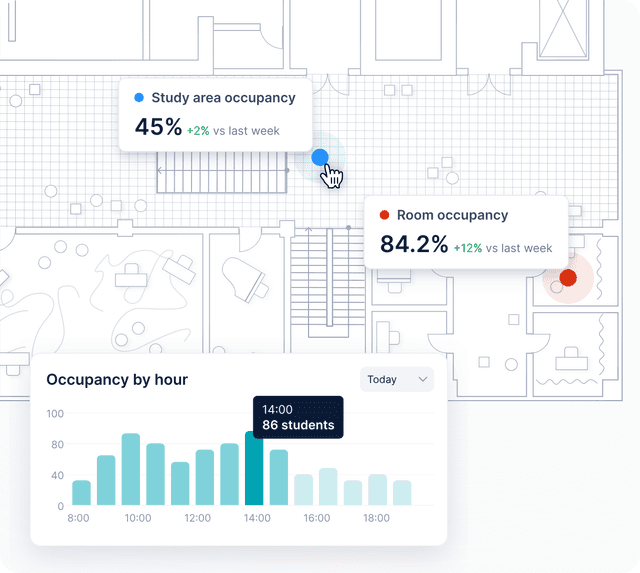
Understand how campus space is really used
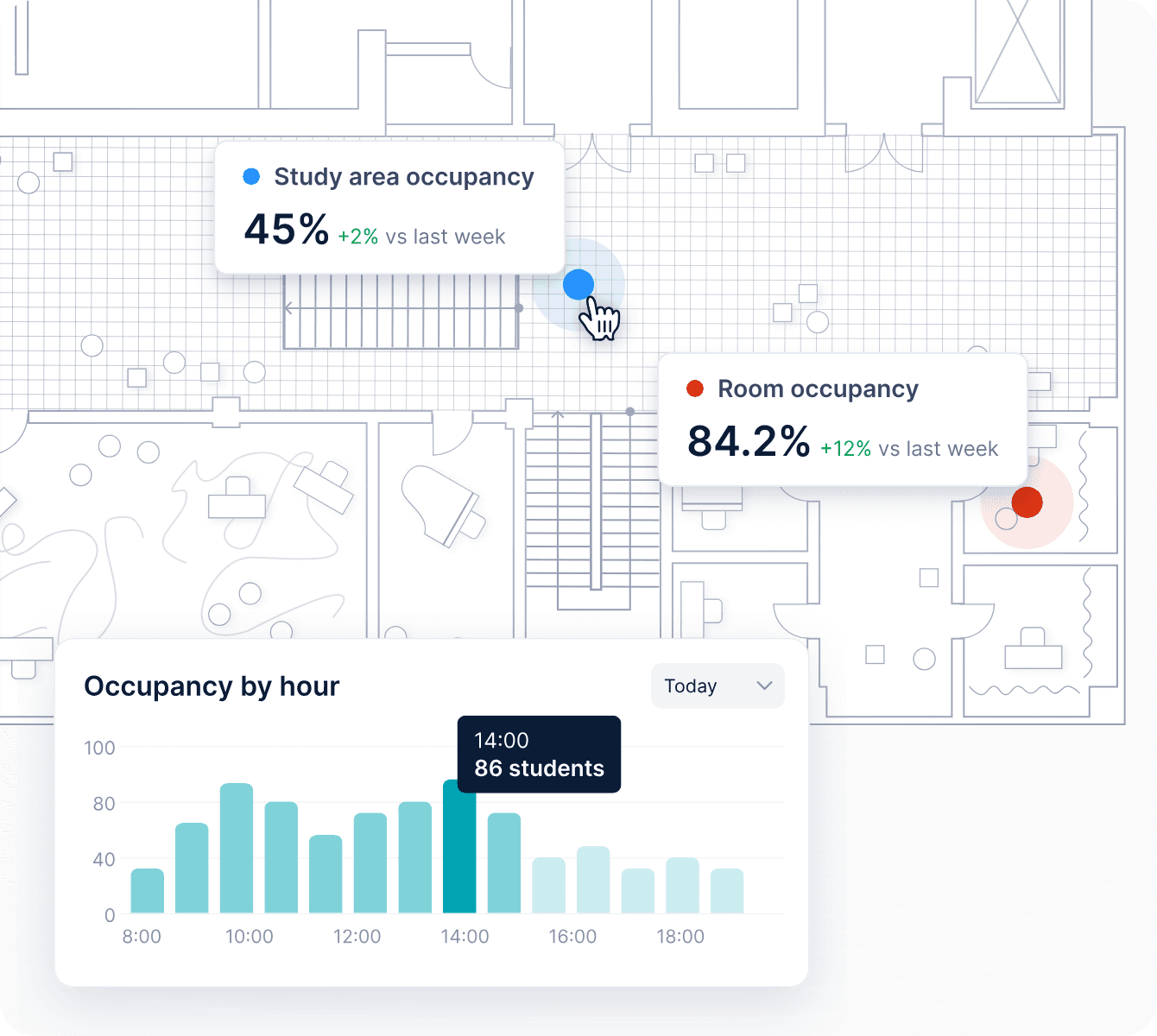
Occupancy sensors and people counters show how every lecture hall, classroom, and study space is used by hour, day, and term, so you plan for real demand, not the timetable.
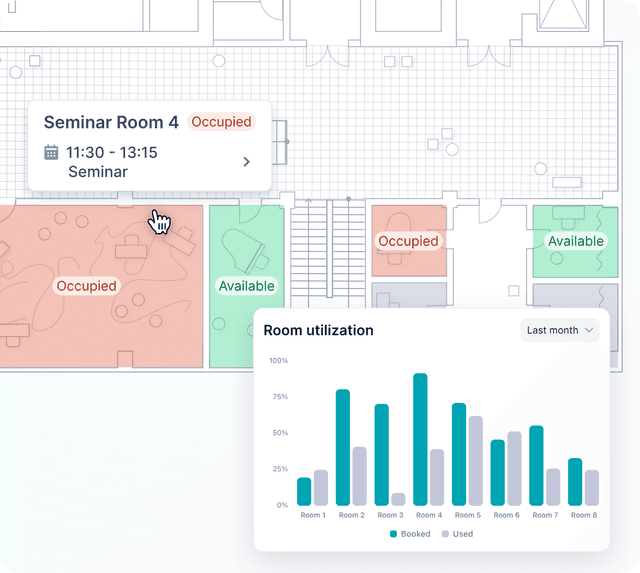
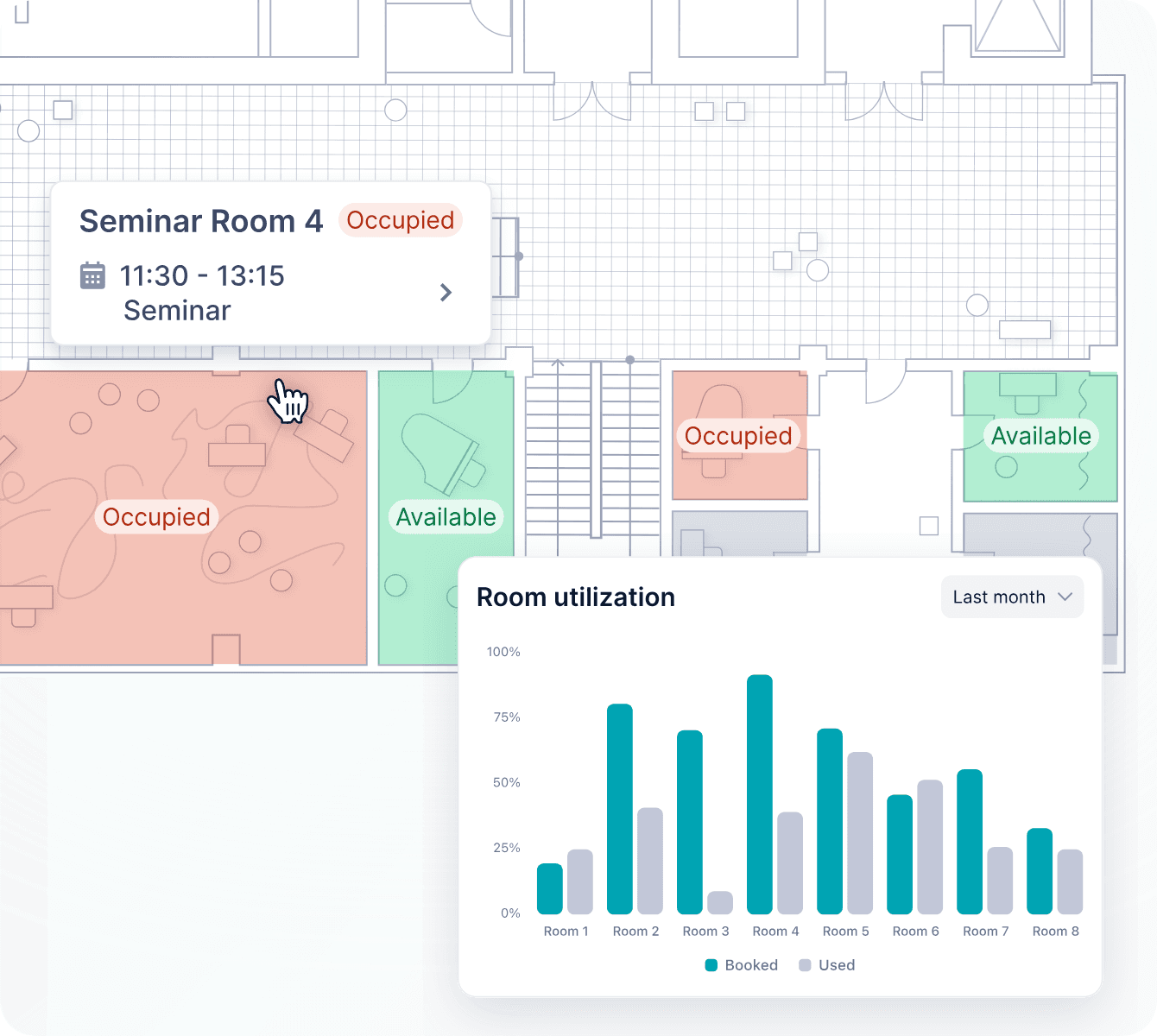
Free up rooms that are booked but empty
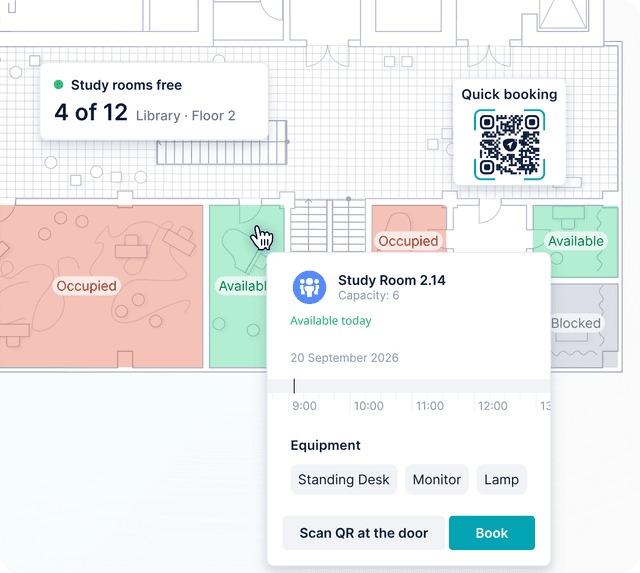
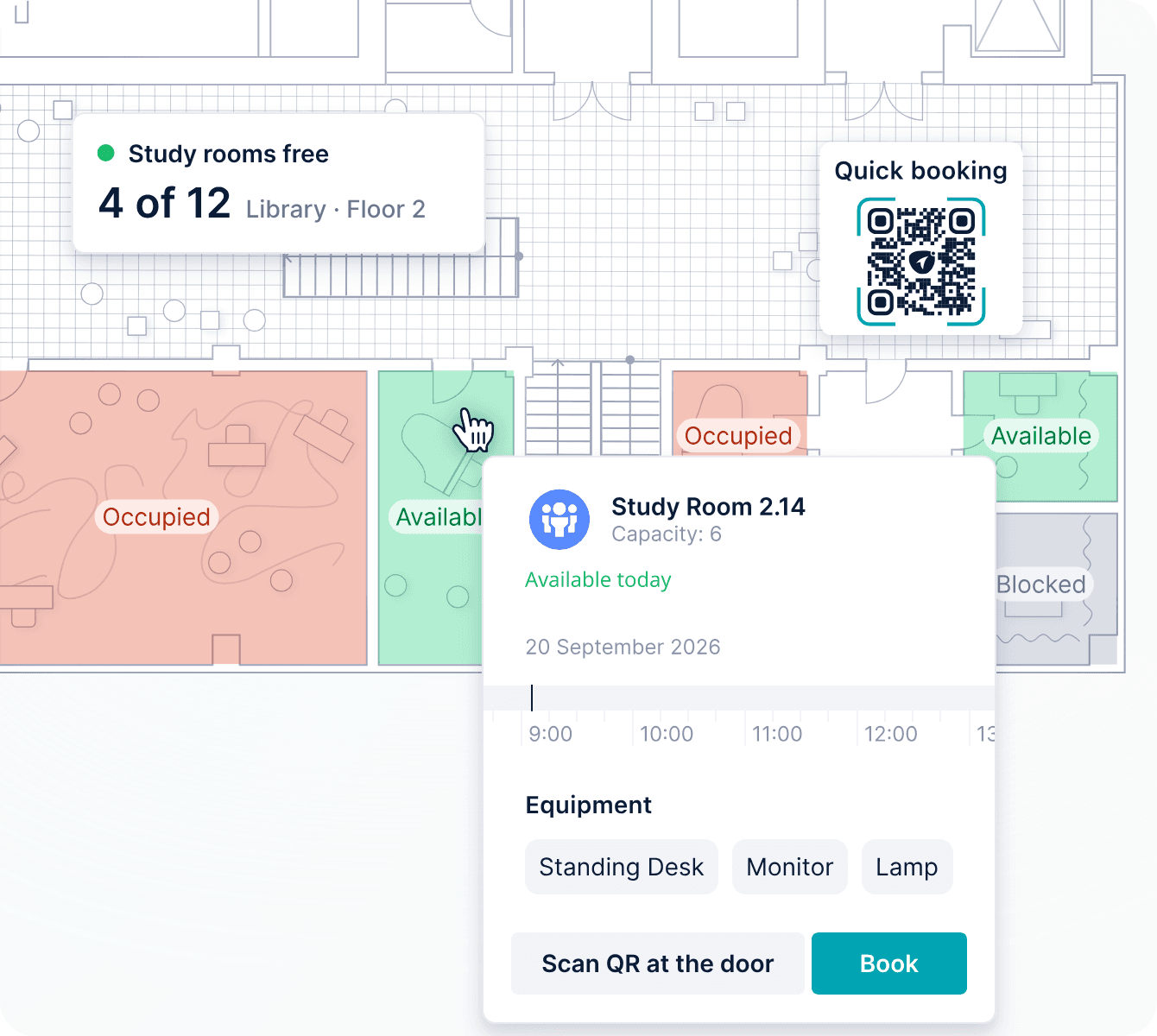
Help students find a free study room
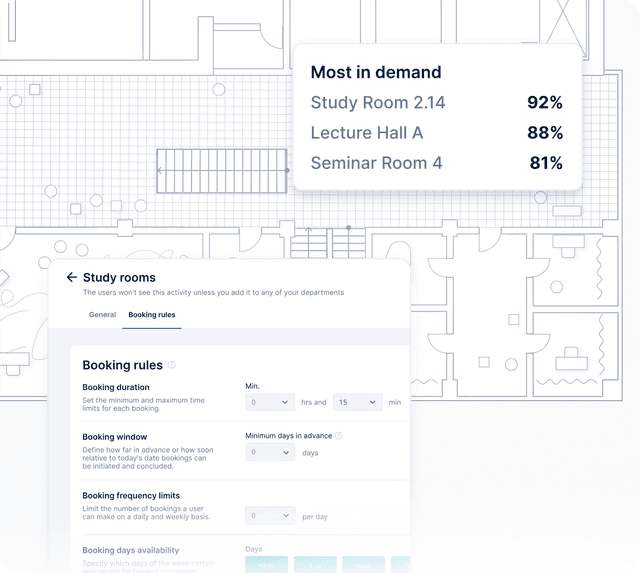
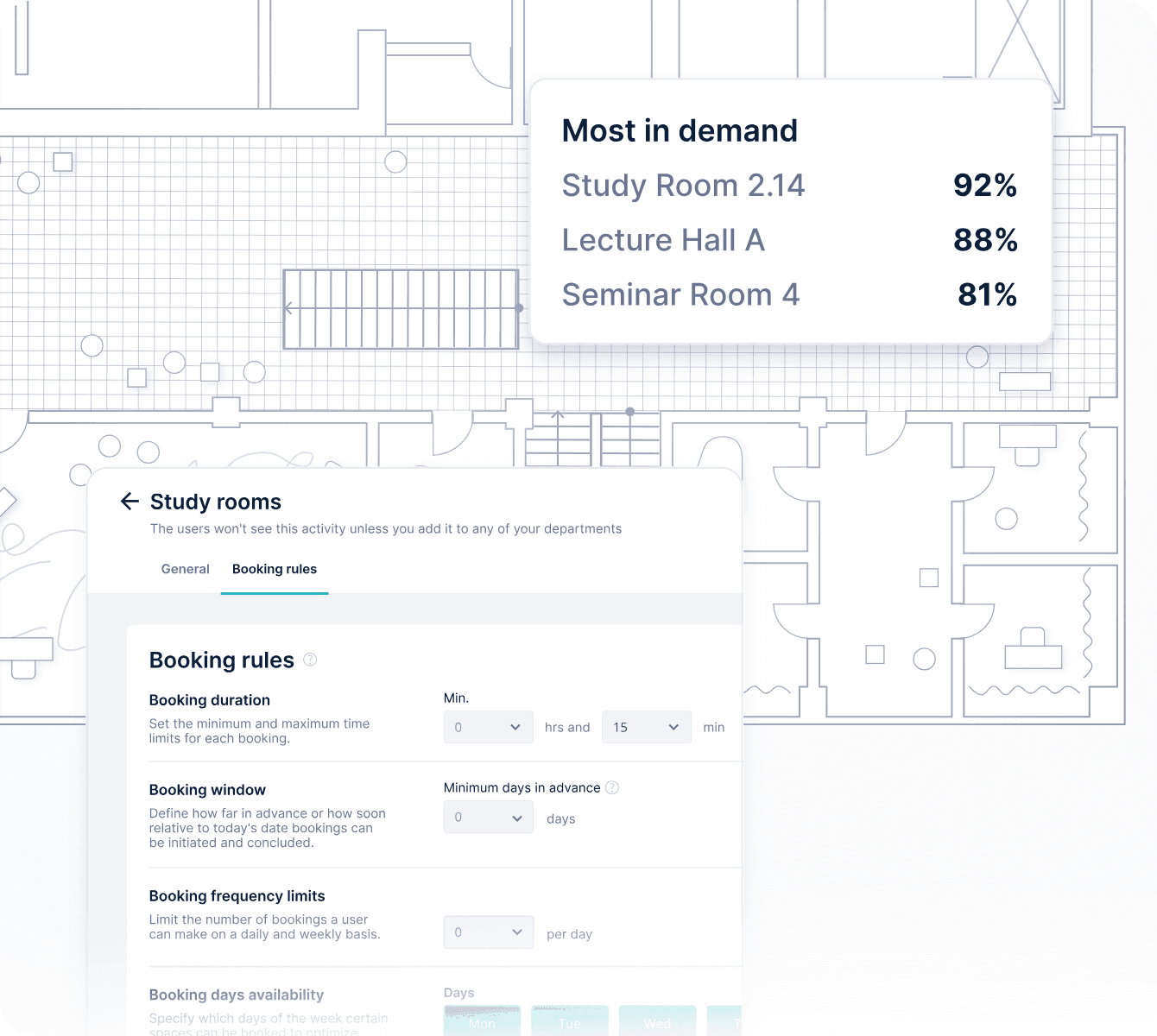
Set booking rules for students and faculty
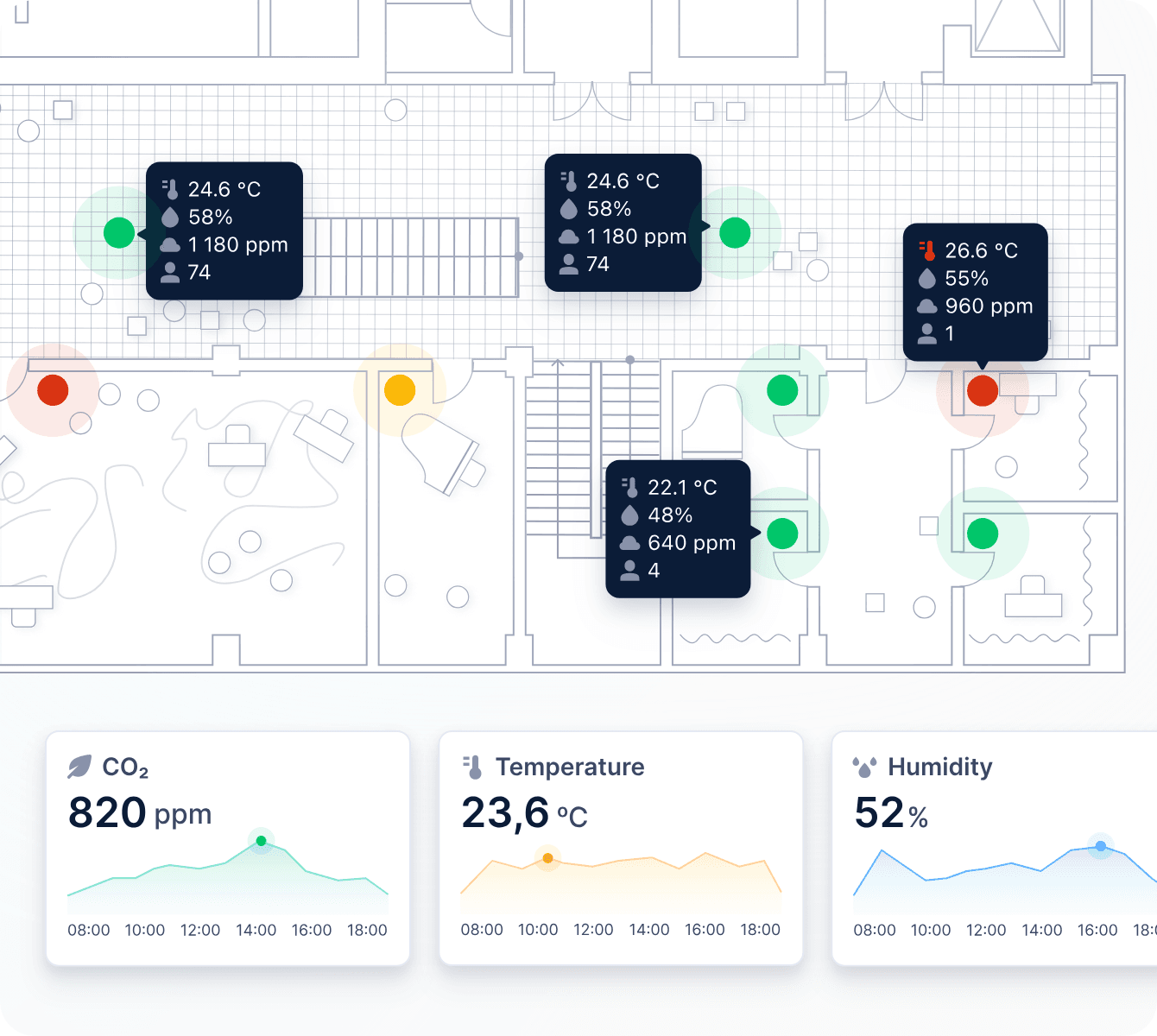
Keep lecture halls healthy and cut energy waste
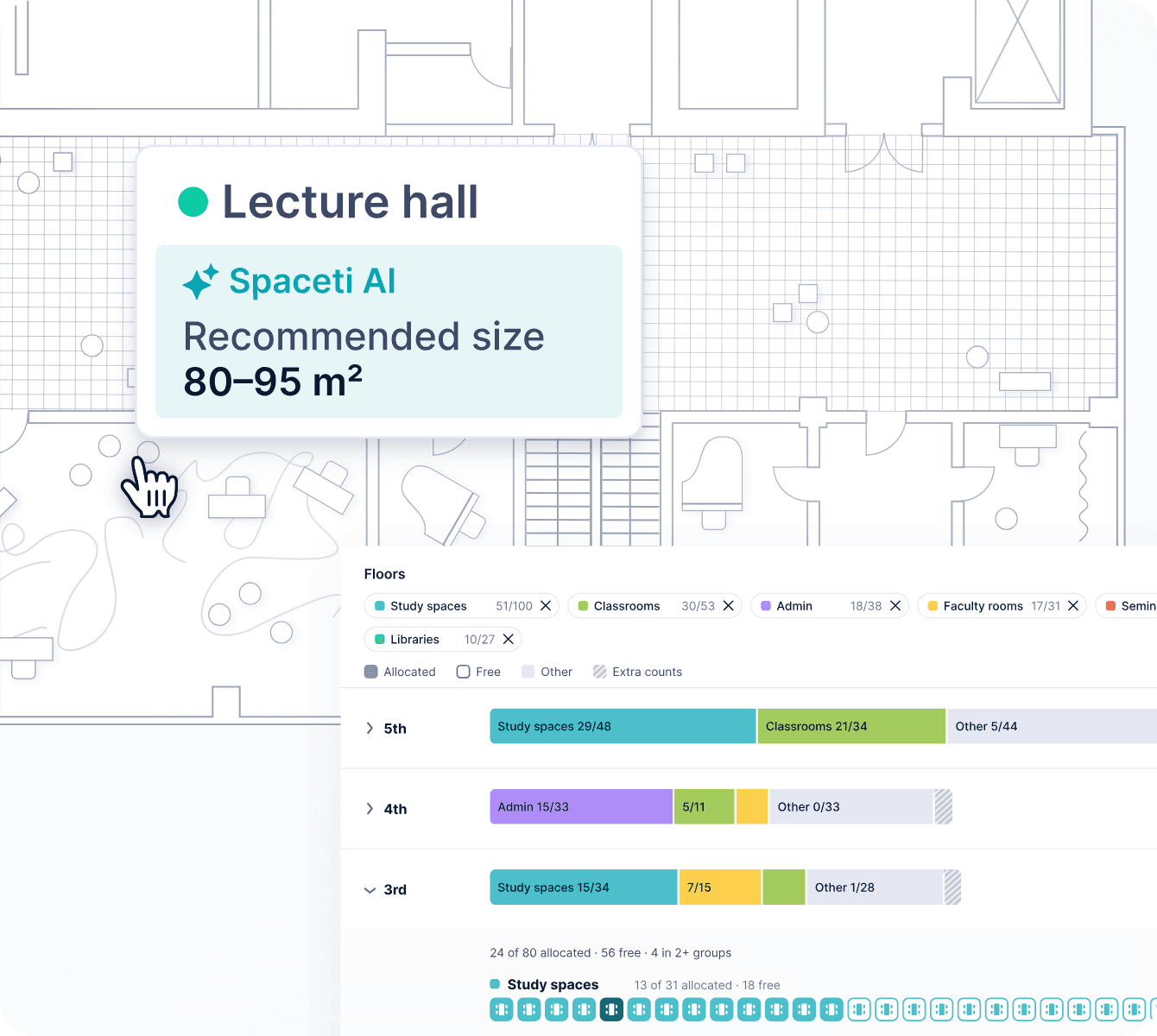
Plan space, allocations, and new buildings
Spaceti for every team on campus
Estates, space planning, sustainability, and leadership teams work from the same campus data as every student and faculty member.
Space Planning & Timetabling
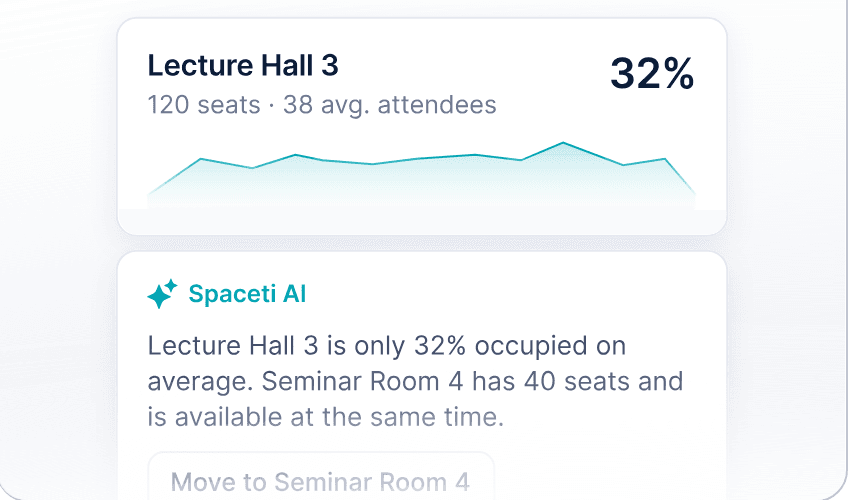
Go beyond one-off space utilization surveys with continuous data, right-size rooms for their classes, and allocate space to departments.
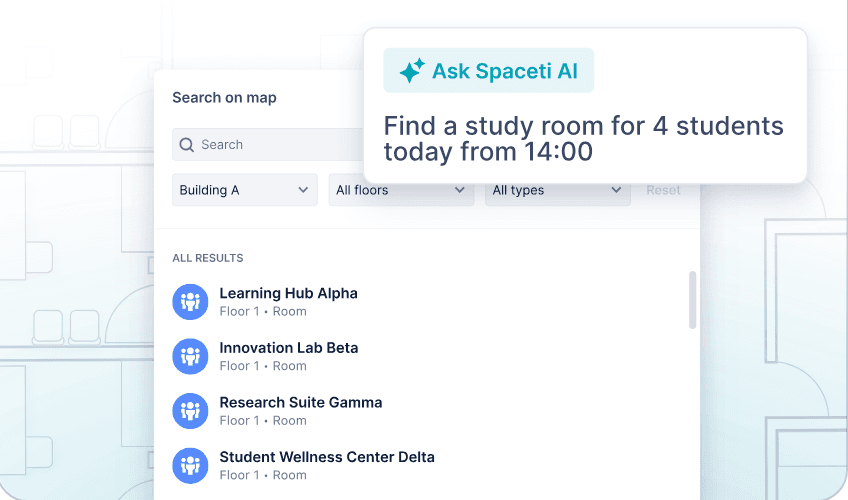
Across every campus space
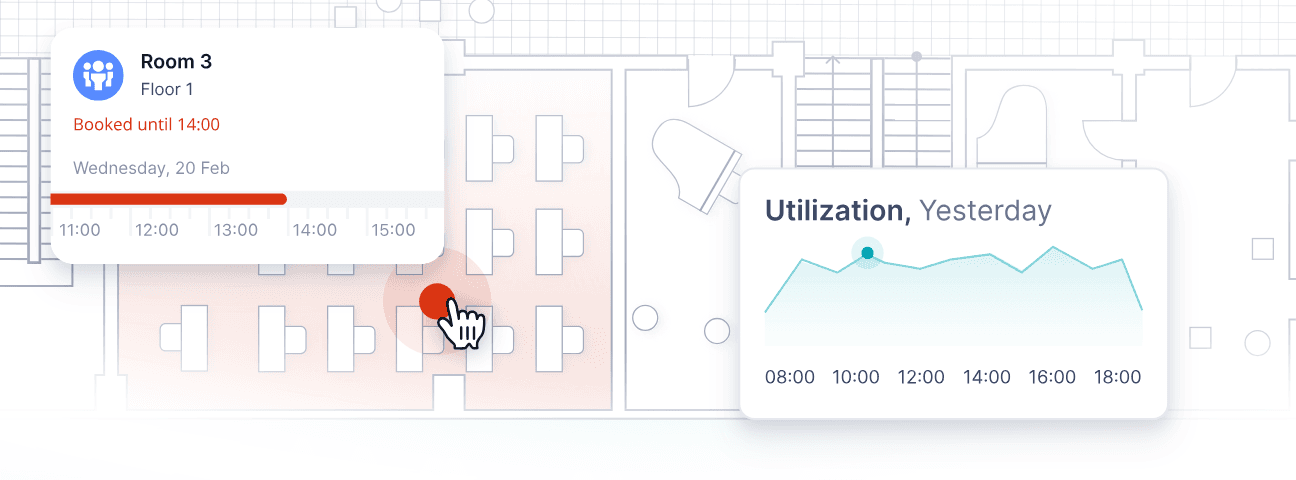
Lecture halls & Classrooms
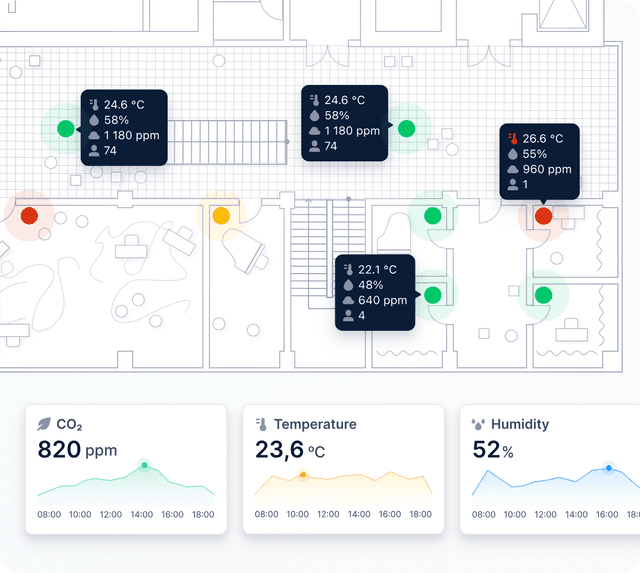
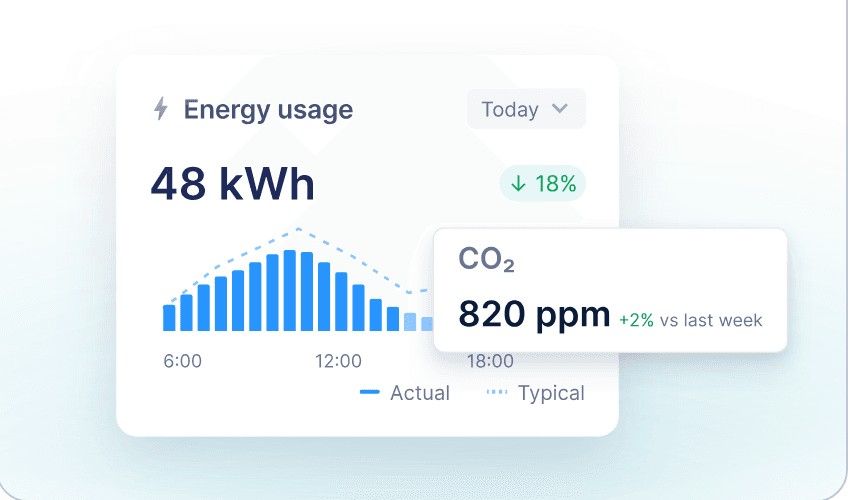
Compare timetabled classes with how many students actually attend, see which rooms are too big for their classes, and track CO₂, temperature, and humidity during lectures.
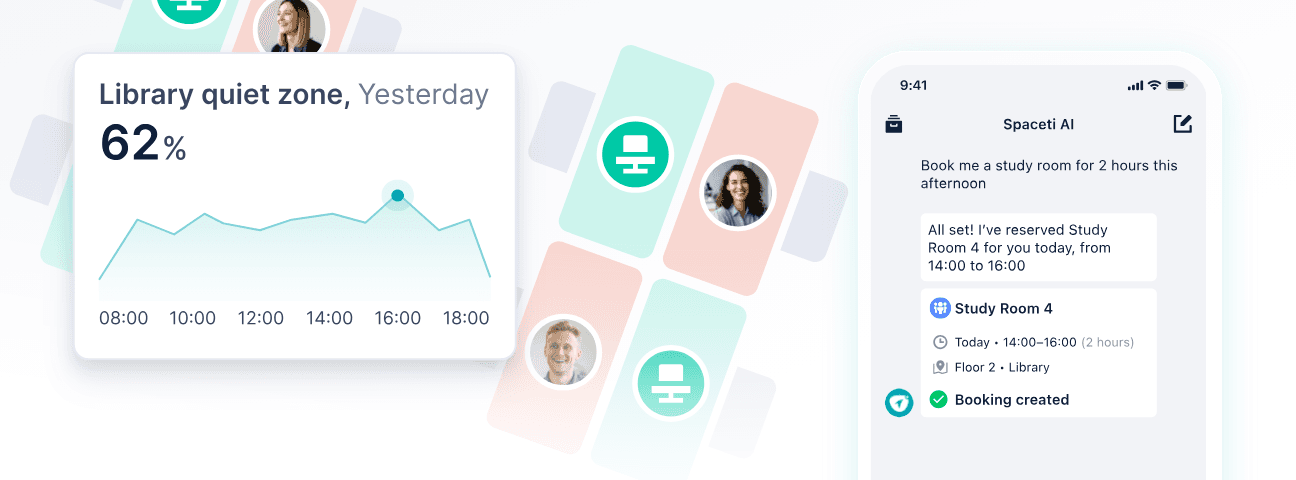
Libraries & Study rooms
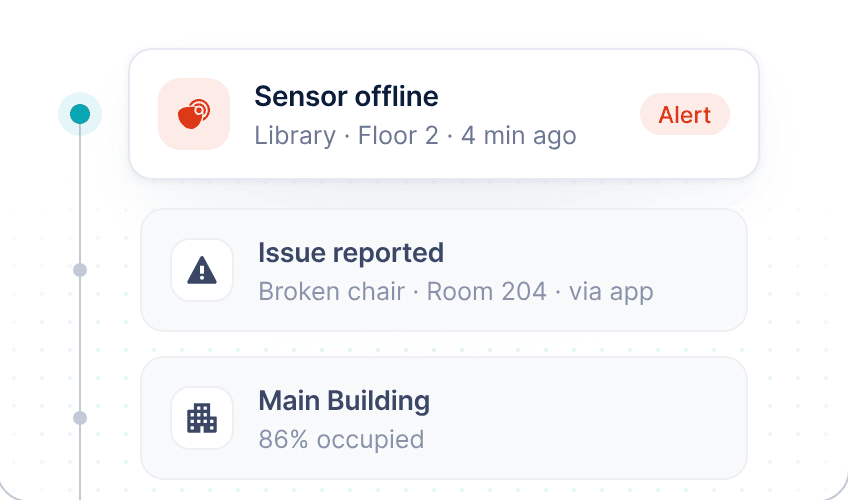
Track library occupancy, show free study rooms on a real-time map, let students book them in the app or with a QR code at the door, and release rooms nobody checks in to.
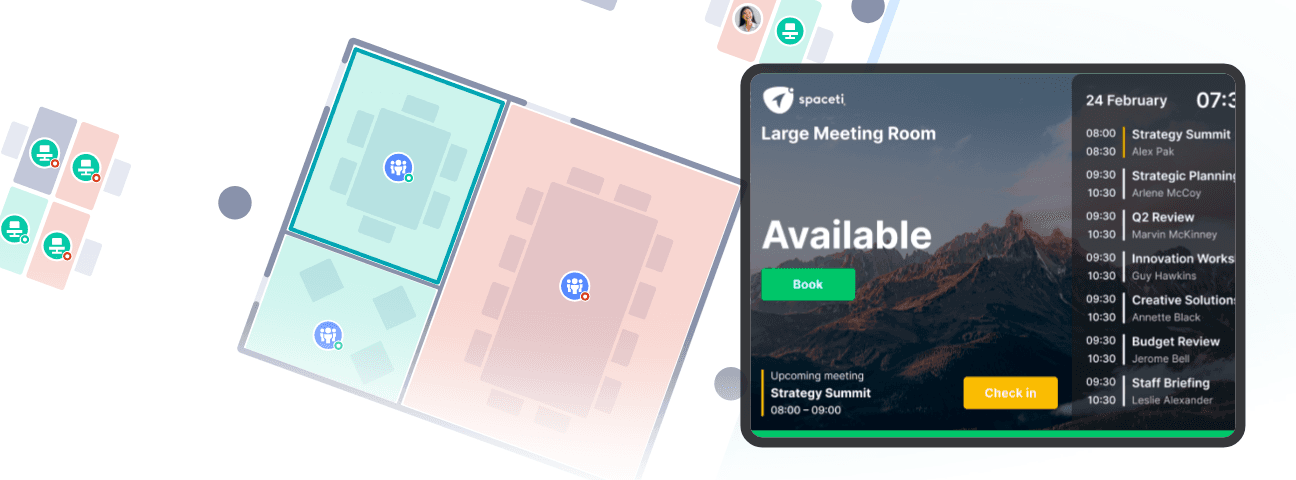
Faculty & Staff spaces
Reserve faculty-only rooms by role. Staff book desks and meeting rooms in the app, on the room tablet, or in Outlook and Google Calendar.
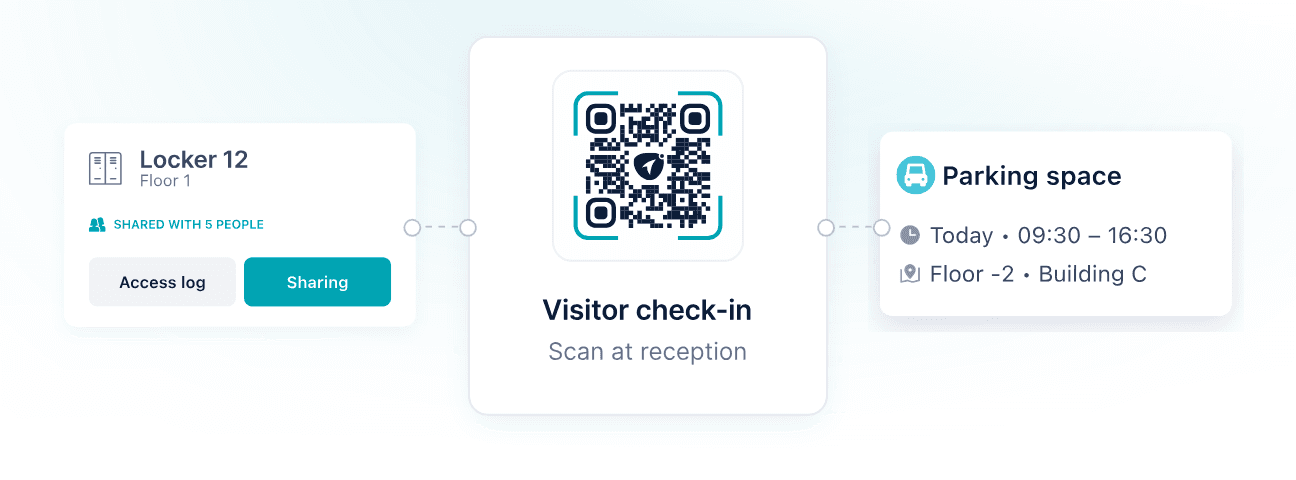
Campus services
Book parking for faculty, staff and visitors, provide smart lockers for students, and check in guest lecturers and open-day visitors with a QR code.
Spaceti MCP for campuses
Spaceti MCP connects campus occupancy, booking, and sensor data to ChatGPT, Claude, Gemini, Microsoft Copilot, and other MCP-compatible assistants. Combine it with cost and enrollment data from your other systems to plan space, energy, and capital investment.
Explore Spaceti MCPAsk your AI assistant:
 Which lecture halls are consistently below half of their capacity?
- Which buildings use the most energy outside teaching hours?
- Do we have enough study rooms for peak exam weeks?
How Spaceti works on campus
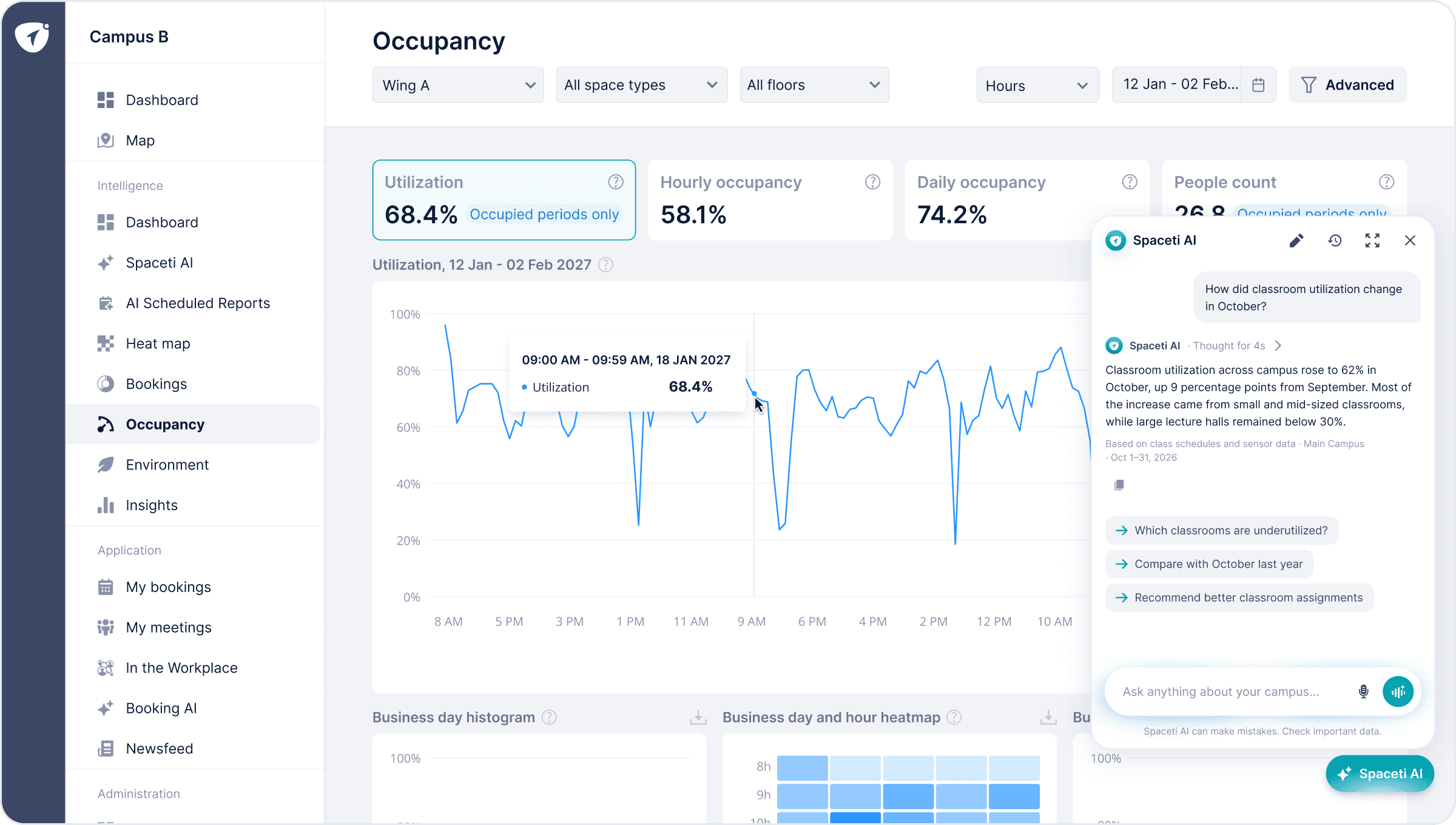

Connect
Map every data source on campus, from occupancy sensors, people counters, and Wi-Fi to building systems, access control, and booking calendars, then connect them to Spaceti.

Analyze
See utilization by building, room type, and term, compare booked versus used rooms, and ask Spaceti AI.

Act
Release unused bookings, set rules for students and faculty, reallocate rooms to departments, and plan renovations and new buildings.
Security and integrations for campuses
Compliance and security.
Spaceti prioritizes data security and privacy, backed by ISO 27001 certification, SOC 2 Type II attestation, and GDPR-compliant data protection practices.

Integrated with your existing systems.
Connect compatible BMS, HVAC, lighting, and access control such as SALTO and HID. Sync bookings with Outlook and Google Calendar, and let students and staff sign in with Microsoft 365.

See Spaceti on your campus
Schedule a free demo tailored to your campus.
FAQ
Spaceti is an AI-powered space analytics and room booking platform for higher education. It brings sensor, building system, and booking data together, shows how lecture halls, classrooms, libraries, and study rooms are really used, lets students and staff book rooms in one app, and helps estates and space planning teams plan space, renovations, and new buildings with real data.
Occupancy sensors and people counters show room and area occupancy in real time, and environmental sensors track CO₂, temperature, and humidity. Spaceti can also estimate occupancy from Wi-Fi access points and combines this data with bookings to show space utilization for every room: how often it is used (frequency rate) and how full it is (occupancy rate).
Yes. Students see free study rooms on a real-time map and book them in the Spaceti app or by scanning a QR code at the door. Administrators set how long and how often each group can book.
Yes. Each group can have its own booking windows, time slots, daily limits, and spaces. For example, students can book study rooms in 30-minute slots for up to two hours a day, while faculty book dedicated meeting rooms based on their role.
Bookings need a check-in in the app or with a QR code at the door. If nobody checks in within the set time, the room is released, so another student or group can book it. In rooms with occupancy sensors, Spaceti can release the booking automatically when the room stays empty.
Yes. Connect your timetabling system through the open API, and Spaceti compares timetabled classes with real occupancy by room, building, and term. You see which lecture halls and classrooms are too big for their classes or booked but empty, and can use that data when you plan the next term.
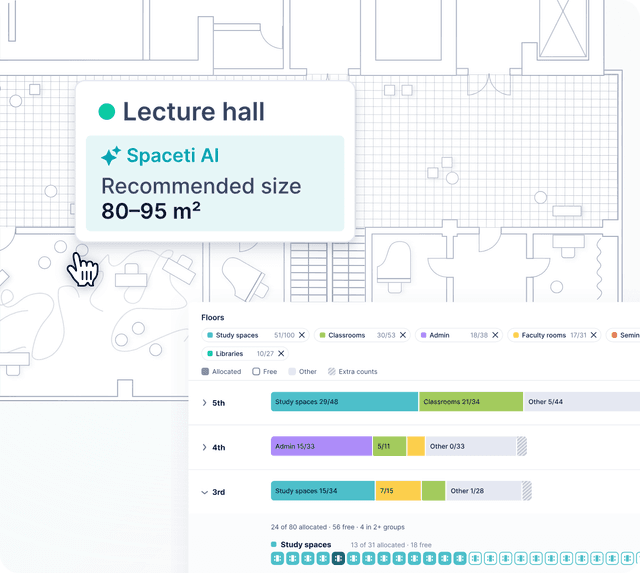
Yes. Space planning in Spaceti includes a stack view of which departments use each floor and scenario planning to test moves. Combined with utilization data, it shows what space you already have and where you need more before you renovate or build.
Yes. Booking rules apply across buildings and campuses, with role-based access for each team, and analytics show one building, several, or the whole estate.
Spaceti integrates with Outlook and Google Calendar for bookings, Microsoft 365 for sign-on, SALTO and HID for access control, and compatible BMS, HVAC, and lighting systems. An open API connects other campus systems.
Yes. Spaceti sensors have no cameras or microphones and cannot identify students, staff, or visitors. Occupancy data is anonymized, and access is role-based. Spaceti is ISO 27001 certified, has a SOC 2 Type II attestation, and is GDPR compliant.
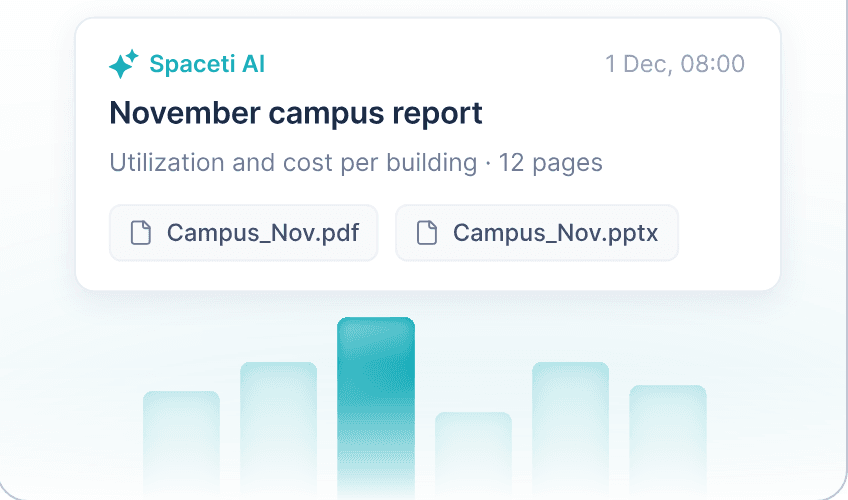
Estates and planning teams ask Spaceti AI about room use, occupancy, and indoor conditions in plain language and get scheduled reports. Spaceti MCP brings campus data into ChatGPT, Claude, Gemini, Microsoft Copilot, and other MCP-compatible assistants, and students and staff can book rooms by chatting with the Spaceti AI Booking Assistant. Everyone sees only the data their role allows.
Yes. Start with one building, such as the library, review the data, and roll the same setup out to other buildings when you are ready.